Turn the little things
into stickers.
把身邊的小事
變成貼紙。
Snap your cat, your coffee, a friend's outfit — Peel & Keep cuts it out. Peel it off with your finger and it drops into a jar you can shake.
你的貓、今天的咖啡、朋友的穿搭,想留住的就拍下來, Peel & Keep 幫你去背。用手指一撕,貼紙就掉進玻璃瓶,還可以搖一搖。
Download on the App Store從 App Store 下載 Free · iPhone · iOS 17+ 免費 · iPhone · iOS 17 或以上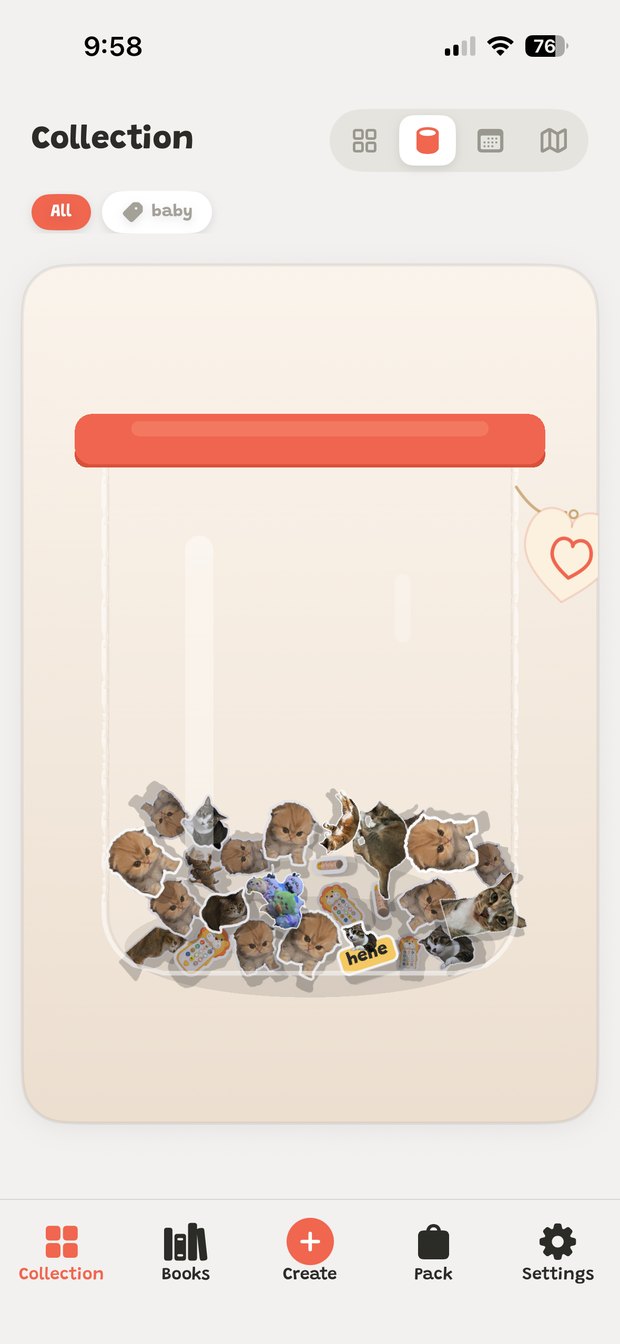
The satisfying part is tearing it off
最爽的是撕下來那一下
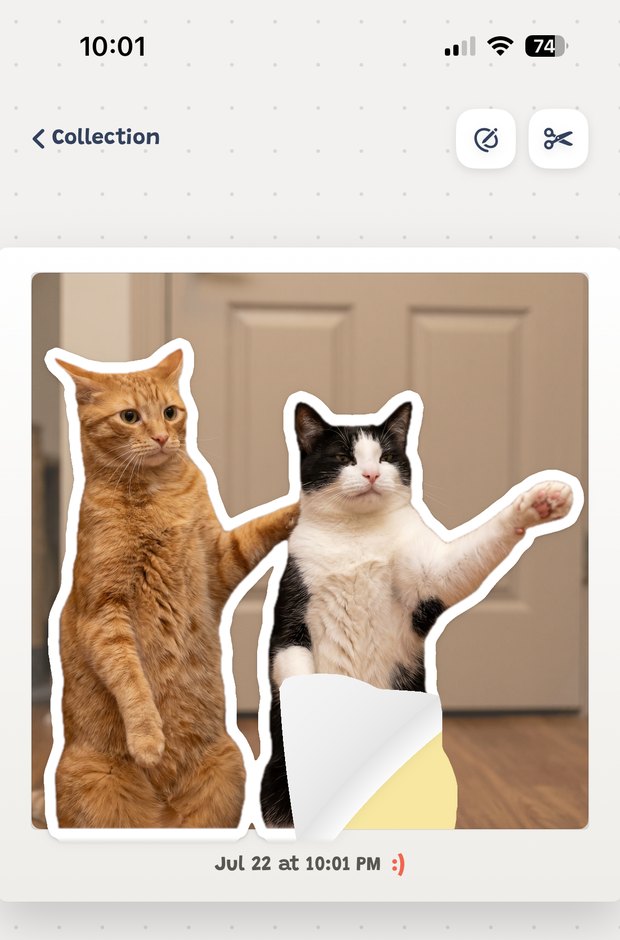
Point at anything and it becomes a sticker sheet. Drag, and the corner curls up and peels away under your finger.
鏡頭對準什麼,什麼就變成一張貼紙。用手指一拖,紙角捲起來、慢慢掀開, 跟撕真貼紙的感覺一樣。
Pets, people, and the things you can't bring yourself to delete
毛孩、家人,還有那些捨不得刪的小東西
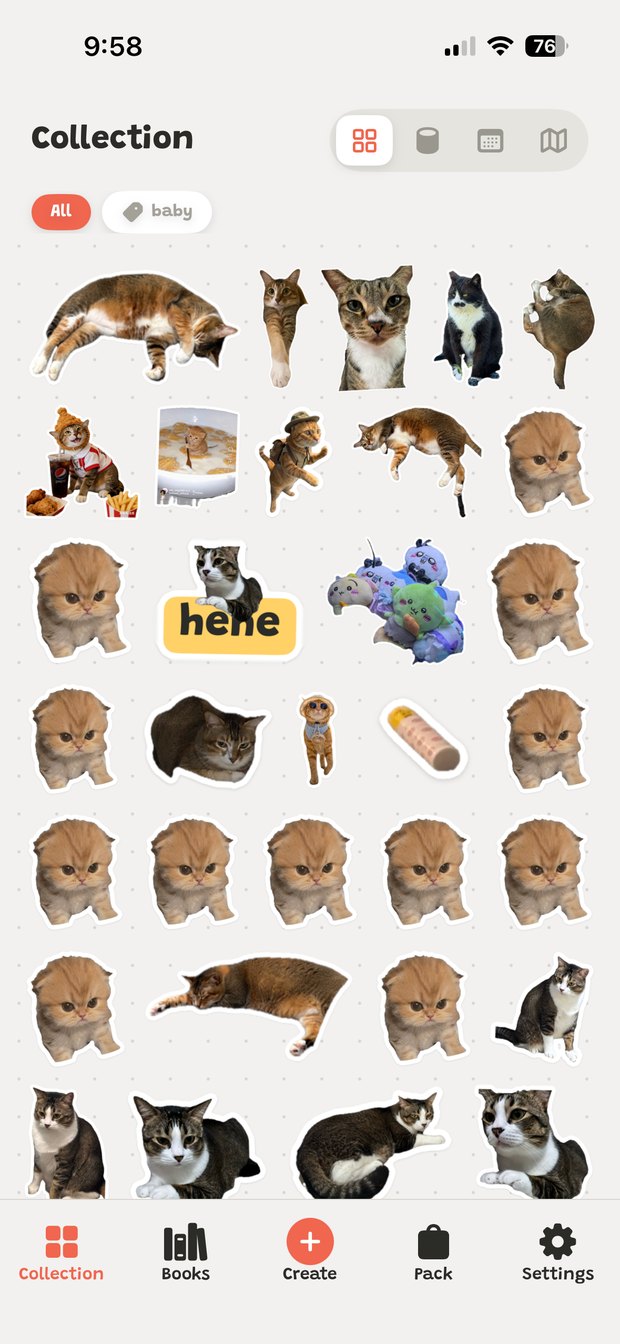
Anything goes in. Tag them, sort them into jars, and dig through the pile later.
什麼都可以收。加標籤、分進不同的瓶子,想翻就翻。
See where each one came from
每張貼紙都記得自己在哪裡
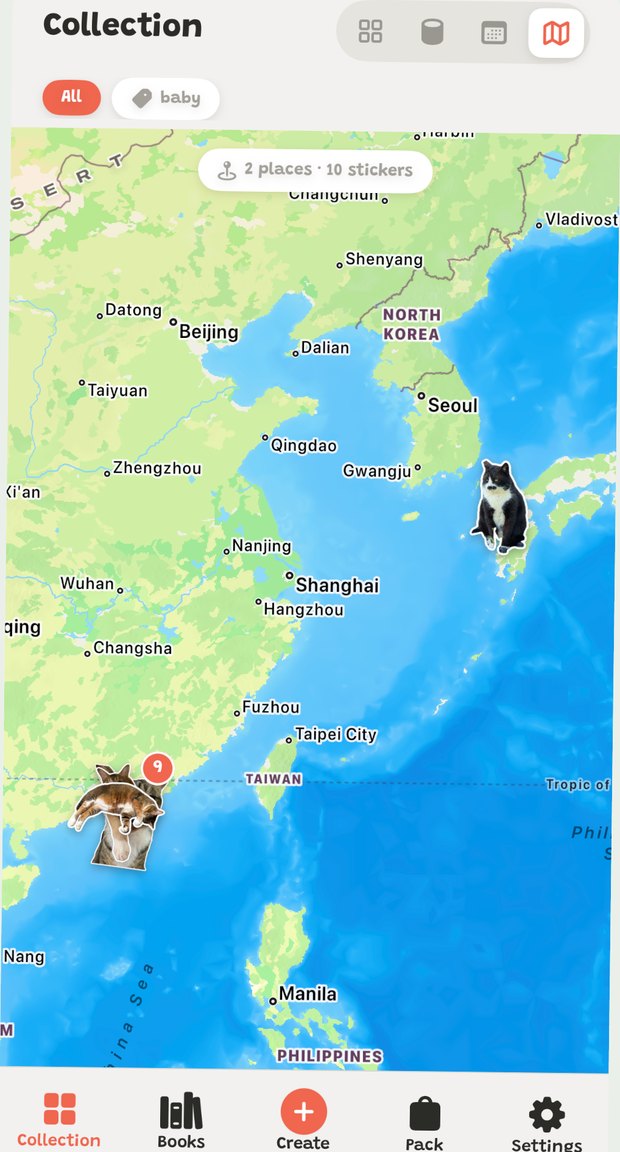
Open map mode and your stickers settle onto the places you made them — the street you walk every day, the café you keep going back to.
打開地圖模式,貼紙會落回當初拍下的地方:那趟旅行、每天走的那條街、 一直回去的那家咖啡店。
Send them where you already chat
帶到你平常聊天的地方
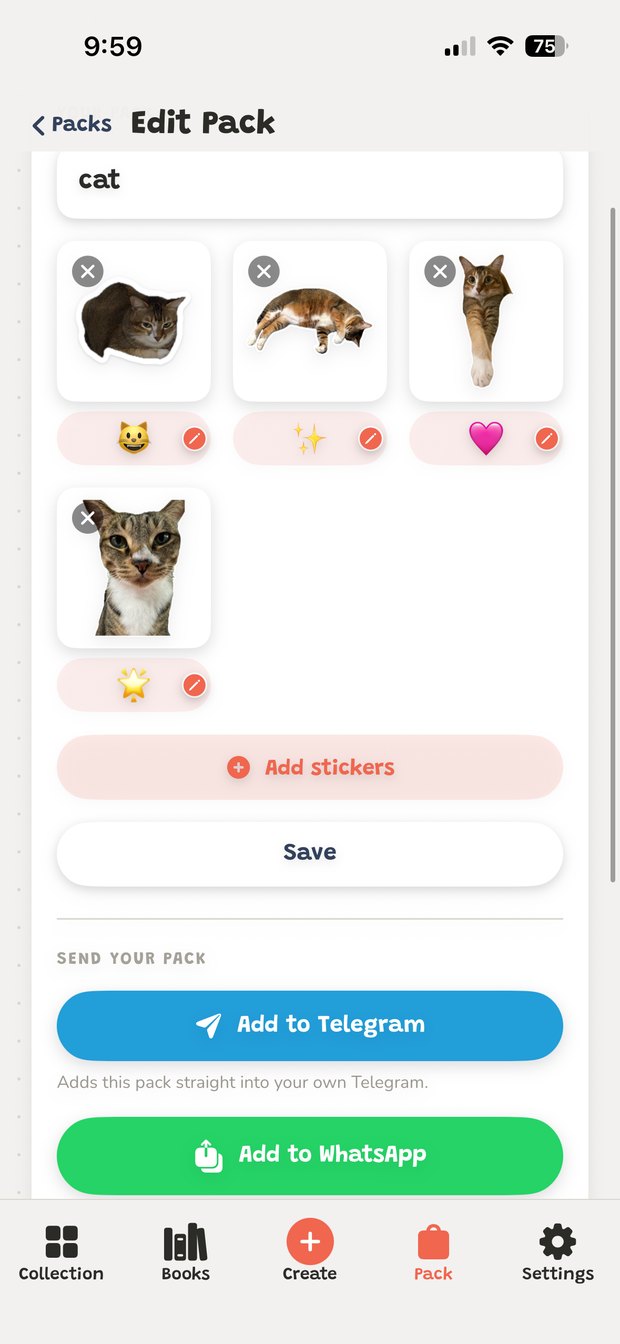
Build a pack and add it to Telegram or WhatsApp in one tap. They're inside iMessage too.
組好貼紙包,一鍵加到 Telegram 或 WhatsApp,在 iMessage 裡也能直接用。
Tip
小提示
See a cute picture anywhere on your phone? Hit Share and send it straight to Peel & Keep — no need to save it first.
在手機上看到可愛的圖?直接按「分享」丟進 Peel & Keep 就好,不用先存到相簿。
Your stickers stay on your phone
貼紙只留在你的手機裡
Photos, cutouts and jars are made and kept on your device. No account, no sign-up. Banner ads on browsing screens are served by Google AdMob.
相片、去背的貼紙和瓶子都在你的裝置上完成,不用註冊帳號。 瀏覽畫面上的橫幅廣告由 Google AdMob 提供。
Get Peel & Keep下載 Peel & Keep